A Portfolio Tracker That Doesn't Connect to Your Broker
Why some investors prefer a manual ledger — no broker credentials, no import errors, no feed to check — and what you give up and gain by recording trades yourself.
Most portfolio apps want to link to your brokerage. That's convenient when it works. Clarifolio deliberately doesn't: you record each trade and each payment yourself. It's a different trade-off, and for a lot of long-term investors it's the better one.
What you gain
Nothing to connect, nothing to share. Clarifolio never asks for broker logins, API keys, or read access to your accounts. The only financial data it holds is what you choose to type in.
It works with any broker, anywhere. A broker integration covers the brokers someone has built an integration for. A ledger covers every broker, a central bank's T-bill portal, an employee share scheme, and shares held in a paper certificate, because you're the integration.
No silent import errors. Synced data fails in quiet ways: a split recorded as a sale, a dividend imported twice, a corporate action that never arrives. A record you entered yourself is one you can trust.
You actually see your decisions. Entering a trade takes a minute. That minute is a small, useful pause — and logging a dividend as reinvested or withdrawn makes you decide what to do with it.
What you give up
Being honest about the trade-off:
- You have to enter things. For a long-term investor that might be a few trades and a dozen dividends a year; for an active trader, a manual ledger is the wrong tool.
- No live valuation. Clarifolio shows cost basis, break-even price, realized gains, and income — all from your records — rather than a market value that updates by the minute.
How much work it actually is
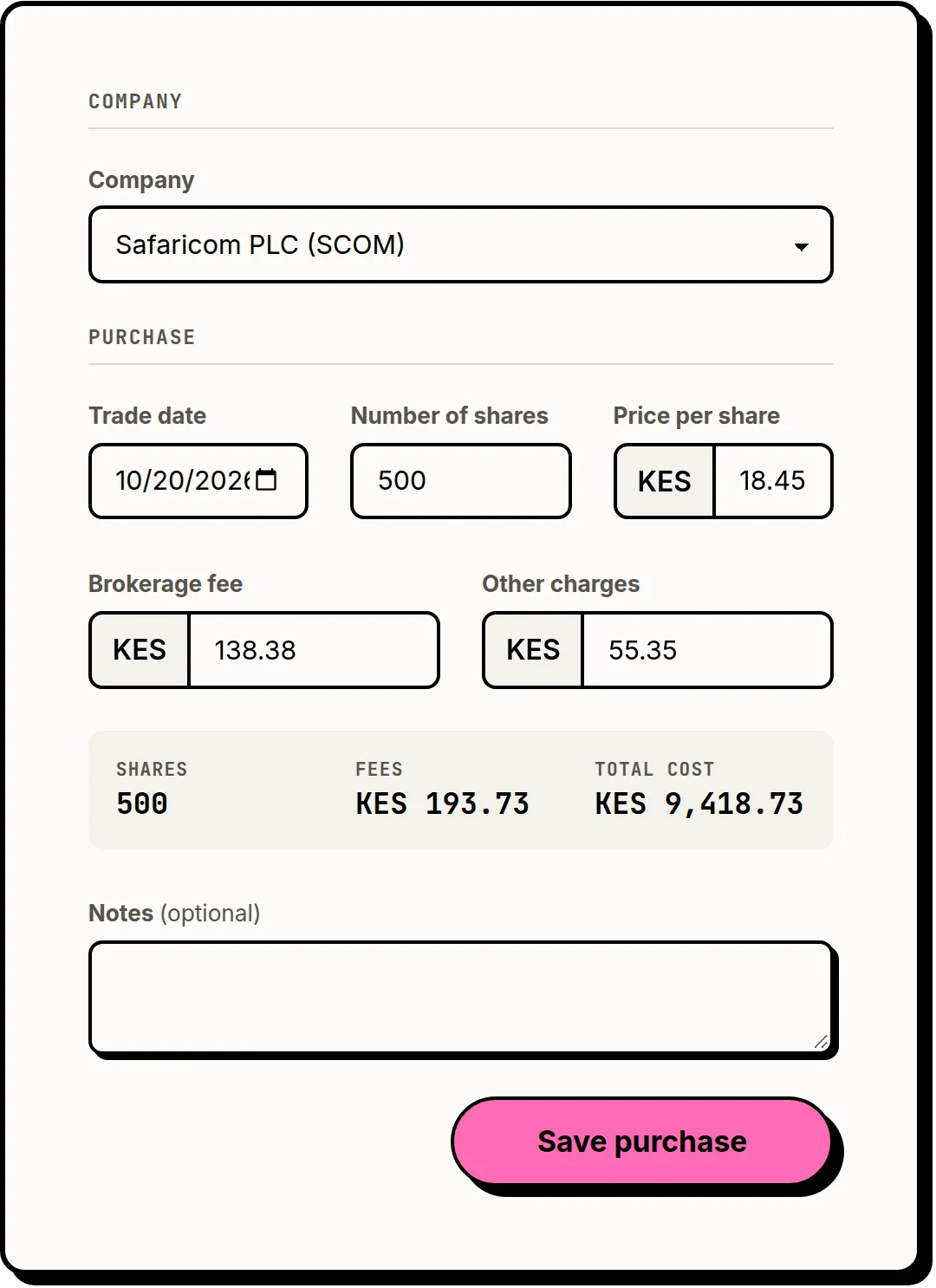
A typical long-term portfolio produces a handful of events a month: a purchase, a dividend, a T-bill maturing. Each takes about a minute to log. Many people log as things happen; others sit down once a month with their broker statement. Either way, the annual review becomes reading a record, not reconstructing one.
Moving from a spreadsheet
If you've been tracking in a spreadsheet, you already have the habit — Clarifolio adds the structure: cost basis that handles multiple purchases correctly, income split by type, a reinvested/withdrawn flag on every payment, and holdings grouped by issuer. You don't have to retype it: import the sheet as an Excel or CSV file in whatever columns it already has, match the columns, and preview every row before anything is saved. See Clarifolio vs. a spreadsheet.
Frequently asked questions
Does Clarifolio connect to my brokerage account?
No. Clarifolio never connects to a broker or asks for brokerage credentials. Trades and income are recorded manually.
Is a manual portfolio tracker worth the effort?
For long-term investors with a modest number of trades and payments each month, usually yes: each entry takes about a minute, the record is never corrupted by a failed import, and it works with any broker or market.
Can I export my data?
Yes. Pro plans include CSV export of your trade history, and any account can download a full copy of its data from account settings.